Carbium Agent Toolkit: How to Give Your Solana Agent Working Infrastructure in single File
How to Give Your Solana Agent Working Infrastructure in single File

AI assistants are becoming a primary way developers discover, query, and use infrastructure, and that shift is already happening now.
The problem: when your AI agent tries to call Carbium's Swap API, does it know the quote endpoint uses src_mint while the swap endpoint uses fromMint? Does it know gRPC requires Business tier? Does it know the Swap API key goes in X-API-KEY while the RPC key goes in a query parameter?
It doesn't. Unless you give it the right context.
That's what Carbium's AI Skill does. One structured file, loaded once, and your agent goes from guessing to executing correctly on the first call.
What Is a Solana AI Skill?

A Skill is a structured Markdown document designed for AI consumption, not a chatbot personality, not a prompt template. It's an operational manual that fits inside an LLM's context window and contains everything the model needs to use a specific tool or platform correctly:
- Endpoints and base URLs for every product
- Authentication patterns per product (which key, which header format)
- Use-case routing: decision tables mapping intent to the right API
- Working code examples in multiple languages
- Error codes with specific fixes: not "something went wrong" but "HTTP 403 means your tier doesn't support gRPC, upgrade at rpc.carbium.io"
- Known gotchas: parameter naming inconsistencies, tier restrictions, timing constraints
The Solana Skills directory by SendAI catalogs these for the Solana ecosystem. Carbium's skill is one of the most comprehensive, covering RPC, Standard WebSocket, gRPC streaming, Swap API, gasless swaps, and pump.fun sniping in a single file.
The difference between a skill and regular documentation: documentation is written for humans who browse. A skill is written for machines that need to act.
Carbium's Skill Architecture
The Carbium Skill isn't a single flat file. It's a structured package:
skills/carbium/
├── SKILL.md                          # Main context file (~35KB)
├── resources/
│   ├── endpoints-and-auth.md         # All endpoints, auth patterns, pricing
│   ├── swap-api-reference.md         # Full Swap API parameter specs
│   ├── grpc-reference.md             # gRPC filter fields, response shapes
│   └── websocket-reference.md        # All WSS subscription methods
├── examples/
│   ├── rpc-basic/                    # Balance check + send transaction
│   ├── swap-quote/                   # Quote → swap → sign → submit
│   ├── swap-bundle/                  # MEV-protected Jito bundle
│   ├── grpc-stream/                  # Program transaction subscription
│   ├── websocket-monitor/            # Account + slot monitoring via WSS
│   ├── pump-snipe/                   # Full pump.fun sniping flow
│   └── gasless-swap/                 # Gasless swap execution
├── templates/
│   └── carbium-setup.ts              # Connection boilerplate + retry helper
└── docs/
    ├── troubleshooting.md            # Error codes, 429 handling
    ├── migration.md                  # From Helius, QuickNode, Jupiter
    └── trading-bots.md               # Bot architecture patterns
For most AI assistants, only SKILL.md needs to be loaded into context. It's self-contained, the subfolders exist for agents that need deeper reference material or want to pull specific examples.

What's in SKILL.md
The main file covers seven Carbium products in a single context load:
| Section | What the Agent Learns |
|---|---|
| Overview | All products, endpoints, base URLs |
| Quick Start | Two separate API keys (RPC vs Swap), environment setup |
| Pricing Tiers | Credits, RPS, feature gates (which tier unlocks gRPC) |
| RPC | Standard JSON-RPC with TypeScript, Python, Rust examples |
| Standard WebSocket | Native Solana pubsub — accountSubscribe, logsSubscribe, signatureSubscribe |
| gRPC | Yellowstone Full Block streaming with filters |
| Swap API | Quote, swap, bundle, gasless — with parameter mapping tables |
| Pump.fun Sniping | gRPC detection → bonding curve PDA → raw tx submission |
| Migration | Drop-in replacement patterns for Helius, QuickNode, Triton, Jupiter |
| Production Patterns | Retries, reconnect, timeout recommendations |
| Error Reference | HTTP + WebSocket error codes with specific fix actions |
The file is ~35KB. That's well within the context window of Claude (200K), GPT-4 (128K), or any modern coding assistant. Load it once, and every Carbium API call the agent makes will use the correct endpoint, correct auth, and correct parameters.
The Problem This Solves (with Real Examples)
Here's what happens when an AI agent tries to use Carbium without the skill:
Failure 1: Wrong Auth Format
// What the agent guesses
const res = await fetch("https://api.carbium.io/api/v2/quote?...", {
  headers: { "Authorization": "Bearer sk-..." }  // Wrong
});

// What the skill teaches
const res = await fetch("https://api.carbium.io/api/v2/quote?...", {
  headers: { "X-API-KEY": process.env.CARBIUM_API_KEY }  // Correct
});
The Swap API uses X-API-KEY as a header. The RPC uses ?apiKey= as a query parameter. Neither uses Authorization: Bearer. Without the skill, the agent defaults to the most common pattern (Bearer tokens) and gets a 401 on every call.
Failure 2: v1 Parameters on v2 Endpoint
// Agent uses deprecated v1-style params on the v2/Q1 endpoint
const quote = await fetch(
  "https://api.carbium.io/api/v2/quote?fromMint=So111...&toMint=EPjF..."
  //                                   ^^^^^^^^         ^^^^^^
  // v2/Q1 uses src_mint / dst_mint — NOT fromMint / toMint
);
// Server responds: "Failed to deserialize query string: missing field `src_mint`"
The v2/Q1 engine uses src_mint/dst_mint/amount_in/slippage_bps. The older fromMint/toMint params belong to the legacy v1 endpoints. Sending v1 params to v2 doesn't silently degrade, it hard fails. The skill documents both parameter families and explicitly maps which version uses which names.
An agent with the skill loaded will never make this mistake. An agent without it will make it every time.
Failure 3: Tier Confusion
Agent: "I'll connect to Carbium's gRPC stream to monitor pump.fun launches..."
→ wss://grpc.carbium.io/?apiKey=FREE_TIER_KEY
→ 403 Forbidden
→ Agent retries 3 times, burns rate limit
→ Gives up
The skill states clearly: "gRPC streaming requires Business tier or above." An agent with this context will check the tier requirement before attempting the connection and tell the user they need to upgrade.
How to Use the Carbium Skill

Option 1: Claude (Projects or Claude Code)
Drop the SKILL.md content into a Claude Project's knowledge base, or reference it in your .claude/ config:
# Claude Code — add to project instructions
curl -o carbium-skill.md https://docs.carbium.io/page/skill
# Then reference in your system prompt or project config
Option 2: Cursor / Windsurf / AI Code Editors
Most AI code editors support project-level context files. Add the skill to your project root:
# Download the skill
curl -o .cursor/carbium-skill.md https://docs.carbium.io/page/skill

# Or for broader AI editor support
curl -o .ai/carbium-skill.md https://docs.carbium.io/page/skill
Then reference it in your editor's AI configuration (.cursorrules, project settings, etc.):
When working with Carbium or Solana infrastructure, reference .cursor/carbium-skill.md for correct endpoints, auth patterns, and code examples.
Option 3: Programmatic Agent (LangChain, Vercel AI SDK, Solana Agent Kit)
Load the skill as system context:
import { readFileSync } from "fs";

const carbiumSkill = readFileSync("./carbium-skill.md", "utf-8");

const systemPrompt = `
You are a Solana development assistant with access to Carbium infrastructure.

${carbiumSkill}

Rules:
- Always simulate transactions before sending
- Use env vars for keys: CARBIUM_RPC_KEY, CARBIUM_API_KEY
- For swap quotes, use the Swap API (api.carbium.io), NOT the RPC endpoint
- For real-time streaming, use gRPC (Business tier required)
`;
Option 4: llms-ctx.txt (Zero Setup)
Carbium publishes a machine-readable context file at:
https://carbium.io/llms-ctx.txt
This follows the llms.txt convention (proposed by Jeremy Howard at llmstxt.org) — a full-context file that any LLM can consume without parsing HTML. If your agent framework supports URL-based context loading, point it here.
 sendaifun
The Setup Template: 30 Seconds to Production
The skill includes a ready-to-copy TypeScript setup file that handles connection, auth, retries, and common token mints:
import { Connection } from "@solana/web3.js";

// --- Environment ---
const CARBIUM_RPC_KEY = process.env.CARBIUM_RPC_KEY;
const CARBIUM_API_KEY = process.env.CARBIUM_API_KEY;
if (!CARBIUM_RPC_KEY) throw new Error("CARBIUM_RPC_KEY not set");

// --- RPC Connection (with WebSocket) ---
export const connection = new Connection(
  `https://rpc.carbium.io/?apiKey=${CARBIUM_RPC_KEY}`,
  {
    commitment: "confirmed",
    wsEndpoint: `wss://wss-rpc.carbium.io/?apiKey=${CARBIUM_RPC_KEY}`,
  }
);

// --- Swap API helper ---
export async function carbiumApi(
  path: string,
  params: Record<string, string>
): Promise<any> {
  if (!CARBIUM_API_KEY) throw new Error("CARBIUM_API_KEY not set");
  const url = new URL(`https://api.carbium.io/api/v2${path}`);
  for (const [k, v] of Object.entries(params)) {
    url.searchParams.set(k, v);
  }
  const res = await fetch(url, {
    headers: { "X-API-KEY": CARBIUM_API_KEY },
  });
  if (!res.ok) {
    const text = await res.text();
    throw new Error(`Carbium API ${res.status}: ${text}`);
  }
  return res.json();
}

// --- Retry with exponential backoff ---
const delay = (ms: number) => new Promise((r) => setTimeout(r, ms));

export async function withRetry<T>(
  fn: () => Promise<T>,
  retries = 3,
  baseMs = 300
): Promise<T> {
  for (let i = 0; i < retries; i++) {
    try { return await fn(); }
    catch (e) {
      if (i === retries - 1) throw e;
      await delay(baseMs * 2 ** i + Math.random() * 100);
    }
  }
  throw new Error("unreachable");
}

// --- Common mints ---
export const MINTS = {
  SOL: "So11111111111111111111111111111111111111112",
  USDC: "EPjFWdd5AufqSSqeM2qN1xzybapC8G4wEGGkZwyTDt1v",
  USDT: "Es9vMFrzaCERmJfrF4H2FYD4KCoNkY11McCe8BenwNYB",
} as const;
Copy this. Set two environment variables. Start building. The carbiumApi helper already handles the correct auth header format, URL construction, and error surfacing.
Working Example: Quote → Swap → Execute
Here's the complete flow pulled from the skill's examples/swap-quote/ — this is real, executable code:
import { Connection, VersionedTransaction, Keypair } from "@solana/web3.js";

const connection = new Connection(
  `https://rpc.carbium.io/?apiKey=${process.env.CARBIUM_RPC_KEY}`,
  "confirmed"
);

const API_KEY = process.env.CARBIUM_API_KEY!;
const SOL = "So11111111111111111111111111111111111111112";
const USDC = "EPjFWdd5AufqSSqeM2qN1xzybapC8G4wEGGkZwyTDt1v";

// Step 1: Get quote + executable transaction in one call
async function getQuoteWithTx(walletAddress: string, amountLamports: number) {
  const url = new URL("https://api.carbium.io/api/v2/quote");
  url.searchParams.set("src_mint", SOL);
  url.searchParams.set("dst_mint", USDC);
  url.searchParams.set("amount_in", amountLamports.toString());
  url.searchParams.set("slippage_bps", "100");
  url.searchParams.set("user_account", walletAddress); // ← triggers txn in response

  const res = await fetch(url, { headers: { "X-API-KEY": API_KEY } });
  if (!res.ok) throw new Error(`Quote failed: ${res.status}`);
  return res.json();
}

// Step 2: Sign and submit
async function executeSwap(wallet: Keypair, amountLamports: number) {
  const quote = await getQuoteWithTx(
    wallet.publicKey.toBase58(),
    amountLamports
  );
  console.log("Quote:", {
    in: quote.srcAmountIn,
    out: quote.destAmountOut,
    route: quote.routePlan,
  });

  if (!quote.txn) throw new Error("No executable transaction — check user_account");

  const tx = VersionedTransaction.deserialize(
    Buffer.from(quote.txn, "base64")
  );
  tx.sign([wallet]);

  const sig = await connection.sendRawTransaction(tx.serialize(), {
    maxRetries: 3,
  });
  await connection.confirmTransaction(sig, "confirmed");
  console.log("Swap confirmed:", sig);
  return sig;
}
Notice: with Q1, there's no separate "swap" endpoint. You get the quote and the executable transaction in one call by including user_account. The old v1 flow required two separate calls with different parameter names, that confusion is eliminated in v2/Q1.
Seven Ready-Made Examples
The skill ships with complete, runnable examples for every major use case:
| Example | What It Does | Key Learning |
|---|---|---|
rpc-basic |
Balance check + send transaction | Connection setup, commitment levels |
swap-quote |
Full quote → swap → sign → submit flow | Parameter naming differences between endpoints |
swap-bundle |
MEV-protected execution via Jito | mevSafe flag, bundle submission |
grpc-stream |
Subscribe to program transactions | Filter fields, accountInclude requirement |
websocket-monitor |
Watch account balances + slot updates | WSS vs gRPC decision, keepalive patterns |
pump-snipe |
Detect launches → bonding curve → buy | Pre-graduation tokens can't use Swap API |
gasless-swap |
Execute without user holding SOL | Output token must be SOL, gasless: true flag |
Each example includes prerequisites, environment setup, and the complete executable code. They're not pseudocode, they're meant to be copied, configured with your keys, and run.
How Skills Fit the Agentic Solana Stack
The Solana ecosystem is getting agentic fast. The Solana Agent Kit by SendAI gives AI agents native transaction capabilities. Frameworks like ELIZA provide multi-agent orchestration. MCP (Model Context Protocol) servers enable structured tool access.
But all of these frameworks face the same infrastructure context problem: the agent knows how to transact on Solana in general, but doesn't know the specifics of your RPC provider.
Skills bridge this gap:
Without skill:
  Agent → "I'll call the Solana RPC" → uses public endpoint → rate limited → fails

With skill:
  Agent → reads SKILL.md → knows Carbium endpoints, auth, tiers, gotchas
       → calls correct API with correct params → executes on first try
This is why Carbium publishes the skill both as a downloadable file and through the Solana Skills directory. The directory is where agent frameworks discover infrastructure — if your provider isn't listed, your provider doesn't exist to the agent.
The llms-ctx.txt Connection
The skill works alongside Carbium's llms-ctx.txt file at carbium.io/llms-ctx.txt. While the skill is a structured operational manual (designed for project-level context), llms-ctx.txt follows the llms.txt standard for web-level discovery — it's what an LLM finds when it crawls carbium.io looking for machine-readable content.
| File | Location | Purpose | Best For |
|---|---|---|---|
SKILL.md |
docs.carbium.io/page/skill | Full operational context with code examples | Project context, system prompts, agent tools |
llms-ctx.txt |
carbium.io/llms-ctx.txt | Concatenated site content for LLM discovery | Web crawlers, AI search engines, one-shot queries |
| Solana Skills listing | solanaskills.com/skills/carbium | Directory entry for agent framework discovery | Solana Agent Kit integration, skill browsing |
Three layers, one goal: make Carbium's infrastructure machine-readable at every touchpoint where an AI agent might look.
Abstract visual video on Solana RPC succeeding on commands
Migration: Existing Agents Moving to Carbium
If your agent already uses Helius, QuickNode, or Triton, the skill includes drop-in migration patterns:
From Any RPC Provider
// Before (Helius)
const connection = new Connection("https://mainnet.helius-rpc.com/?api-key=...");

// After (Carbium)
const connection = new Connection(
  `https://rpc.carbium.io/?apiKey=${process.env.CARBIUM_RPC_KEY}`
);
Standard JSON-RPC. Same interface. One URL change.
From Jupiter Swap API
The skill includes a parameter mapping table:
| Jupiter | Carbium v2 / Q1 Quote |
|---|---|
inputMint |
src_mint |
outputMint |
dst_mint |
amount |
amount_in |
slippageBps |
slippage_bps |
For a deeper look at how Carbium's CQ1 routing compares to Jupiter, Titan, OKX, and dFlow, see our DEX aggregator comparison.
From Triton gRPC
Same Yellowstone protocol. Update endpoint only:
wss://grpc.carbium.io/?apiKey=YOUR_RPC_KEY
What Competitors Don't Have
Let's be direct. As of April 2026:
| Feature | Carbium | Helius | QuickNode | Triton |
|---|---|---|---|---|
| Structured AI skill file | Yes (Solana Skills listing) | Yes, dedicated agent skills/docs Helius skills overview Build skill |
Yes, dedicated AI skills docs QuickNode Skills QuickNode skills markdown |
Not found as a dedicated public skill file |
| llms.txt / LLM-readable docs | Yes | Not verified from this pass | Yes quicknode.com/llms.txt QuickNode Solana llms.txt |
Yes, docs-level only docs.triton.one/llms.txt Root site /llms.txt not found |
| Solana Skills directory listing | Yes Carbium listing |
Yes | Yes | Not verified |
| Machine-readable auth / setup docs | Per-product table in skill | Agent docs + product docs Helius for Agents |
AI-oriented docs + llms.txt surface | Docs-readable surface via Triton docs / llms.txt |
| Migration patterns from competitors | In skill + examples | Not obvious from this pass | Not obvious from this pass | Not obvious from this pass |
This isn’t about the ”best AI features” but whether an AI can process your documentation. This depends on structured context files, machine-readable authentication patterns and directory presence. These factors determine whether an agent defaults to your infrastructure or another’s.
Building Your Own Skills (For Other Tools)
The Carbium skill structure is a pattern worth copying for any developer tool:
- One main file: self-contained, fits in a context window (~35KB)
- Decision tables: "I want to X → use Y" routing
- Auth per product: explicit header format, explicit key names
- Working code in 2-3 languages: TypeScript and Python minimum, Rust if your audience demands it
- Known gotchas section: the stuff that makes agents fail: naming inconsistencies, tier gates, timing constraints
- Error codes as control flow: HTTP code → meaning → programmatic action
- Migration section: show agents how to switch from competitors
If you maintain a Solana tool or protocol, consider publishing a skill to the Solana Skills directory. The agents are already looking there.
Get Started
- Browse the skill: solanaskills.com/skills/carbium
- Load the context: docs.carbium.io/page/skill
- Get your keys: rpc.carbium.io/signup (RPC) + api.carbium.io/login (Swap API)
- Copy the setup template and start building
Your AI assistant is only as good as the context you give it. Give it Carbium's skill, and it stops guessing.
Technical References & Resources


 Jeremy Howard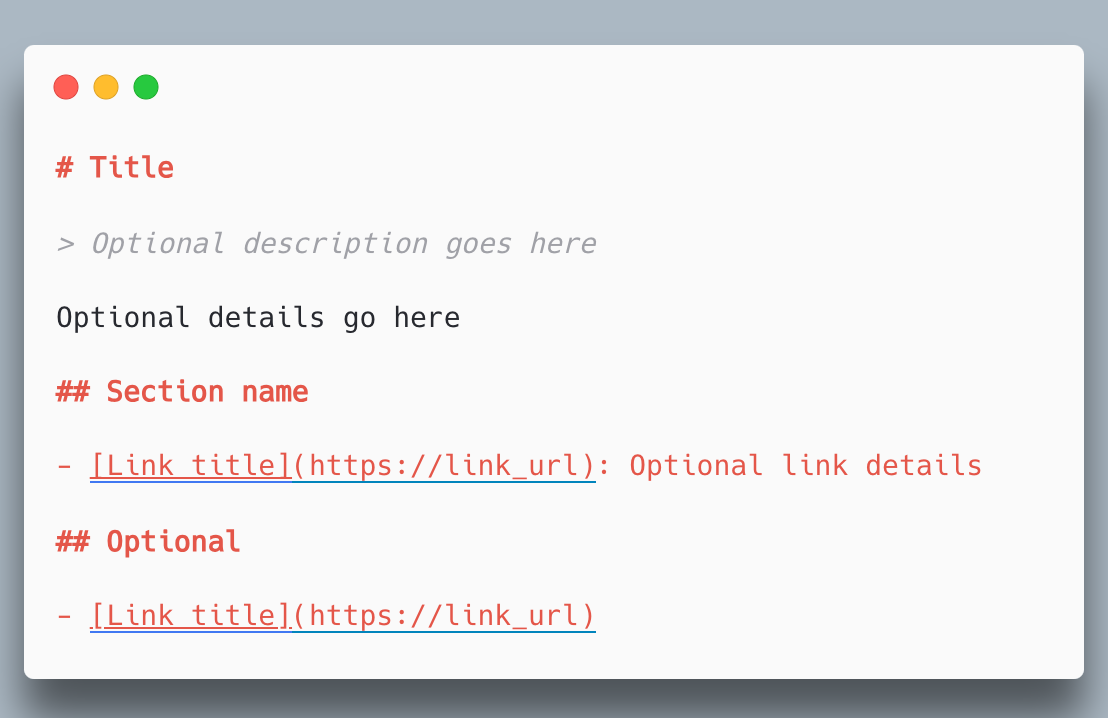
 Carbium


Find Us at Solana Agent Directories:
 sendaifun
 SendAI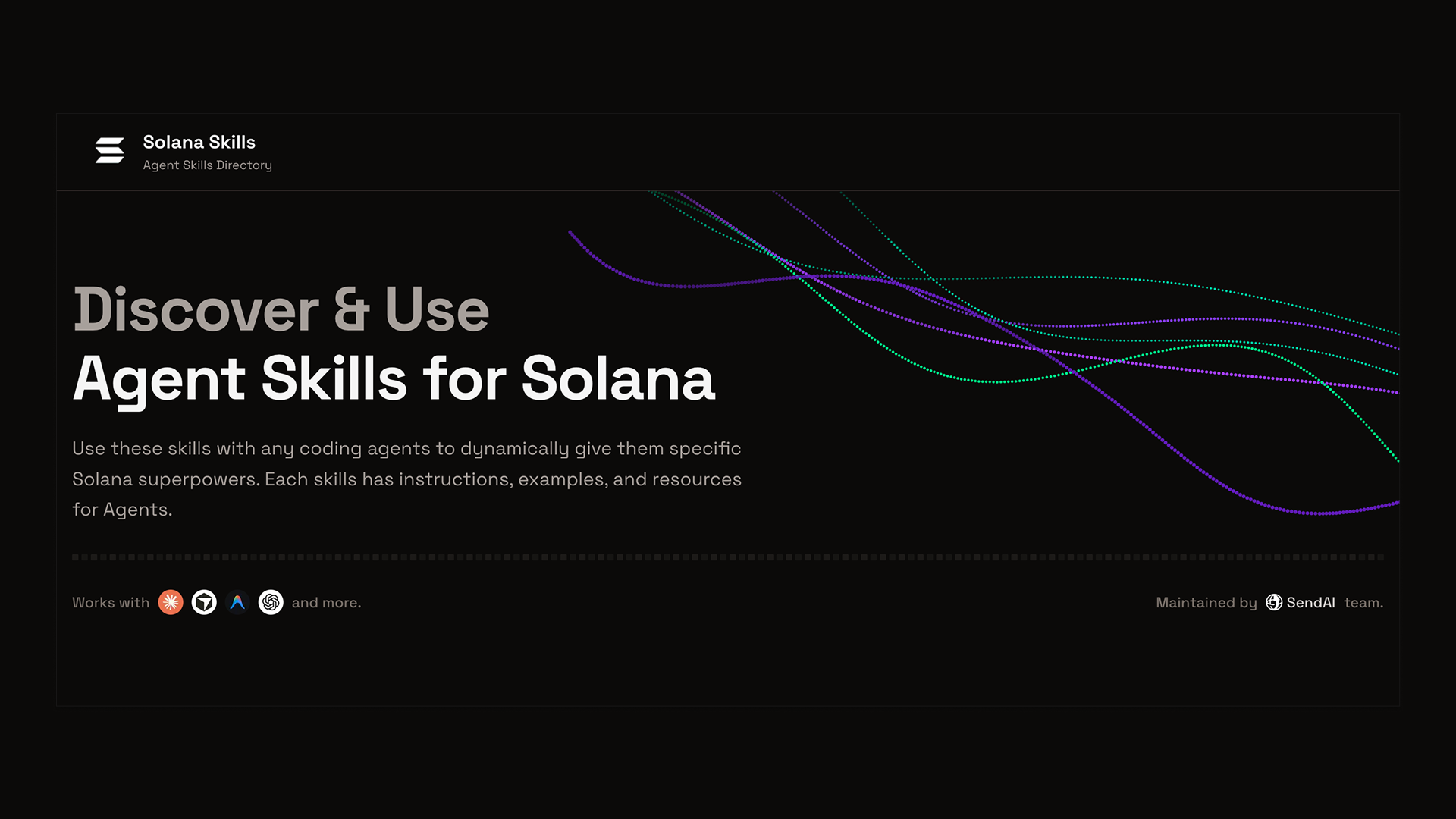
 SendAI
Read More:
 Ukko Meta
 Ukko Meta
Carbium is full-stack Solana infrastructure: RPC, gRPC streaming, Standard WebSocket, Swap API, and DEX — built on Swiss bare-metal servers. Free tier available at carbium.io. Full docs at docs.carbium.io.