Payment Methods
Understand how Carbium RPC payment and credit activation fit into the plan choice, dashboard, API-key, and production rollout workflow.
Use this page when the buying question is practical: how a Carbium RPC plan turns into active credits, where to check the result, and which page to use next before production traffic depends on the account.
Carbium RPC is sold as plan-based Solana infrastructure. The payment flow belongs next to pricing, dashboard, and API-key setup because those are the steps that turn a selected plan into a working endpoint.
Part of the Carbium Solana infrastructure platform.
The purchase-to-endpoint path
A normal RPC rollout has five checkpoints:
- choose the plan that fits your expected credits, request rate, and gRPC needs
- complete payment through the Carbium RPC account flow
- confirm that credits and plan state appear in the dashboard
- generate or reuse the API key for the environment you are launching
- run a first RPC call before moving production traffic
That sequence matters because payment is not the finish line. The finish line is a verified endpoint that your application can call.
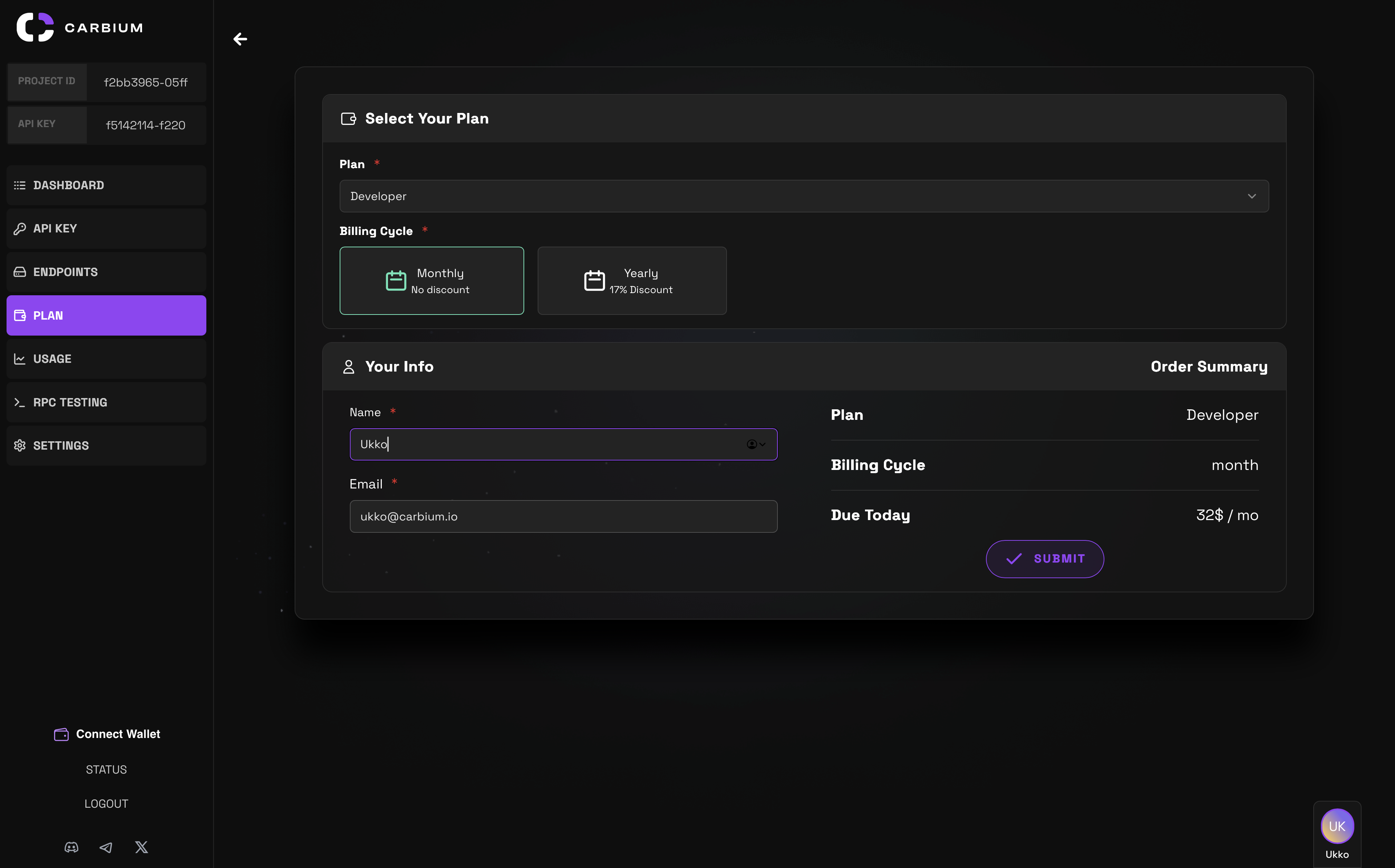
What to verify after payment
After completing payment, open the Carbium RPC dashboard and confirm the operational state before you launch traffic.
| Check | Why it matters |
|---|---|
| Active plan | Confirms that the account is on the tier you intended to use |
| Credit balance | Shows whether the purchased credits or plan allowance is visible |
| Billing cycle | Helps you understand when usage resets or the next billing event matters |
| API key availability | Confirms that the account can authenticate requests |
| Endpoint test | Proves that the key and endpoint work before users depend on it |
If any of these checks do not line up, pause the rollout and resolve the account state before you start production traffic.
📘 Credits and payment state are account-level signals. Treat the dashboard as the source of truth before routing real app, wallet, or bot traffic through a paid RPC plan.
Pick the plan before picking the payment path
The plan decision still belongs on RPC Pricing and Usage Tiers. Use that page to compare credits, request-per-second caps, and the point where Business-tier gRPC access starts to matter.
This page owns the purchase and activation workflow, not the full tier comparison. Keep the split clear:
| Question | Owner page |
|---|---|
| "Which RPC tier fits my workload?" | RPC Pricing and Usage Tiers |
| "Where do I see usage and credits?" | RPC Dashboard |
| "How do I create the key?" | Get Your API Key |
| "How do I make the first request?" | Quick Start RPC |
| "How do I handle throttling?" | Solana RPC Rate Limits Explained |
Launch checks for teams
Before a paid RPC plan becomes part of a production system, do a small production-shaped smoke test.
curl -X POST "https://rpc-service.carbium.io/?apiKey=$CARBIUM_RPC_KEY" \
  -H "Content-Type: application/json" \
  -d '{
    "jsonrpc": "2.0",
    "id": 1,
    "method": "getHealth",
    "params": []
  }'
Then verify these account and traffic details:
- the API key is stored outside client-side code
- staging and production traffic are not accidentally sharing the same operational assumptions
- dashboards show the account and usage state you expect
- the selected plan has enough request headroom for the first launch window
- the team knows which support page owns pricing, rate limits, dashboard checks, and key handling
If the workload depends on gRPC, bots, or continuous production traffic, confirm the plan fit before launch instead of treating payment as the only readiness gate.
Where to go next
| Next job | Page |
|---|---|
| Compare plan limits | RPC Pricing and Usage Tiers |
| Check account usage | RPC Dashboard |
| Create credentials | Get Your API Key |
| Run the first request | Quick Start RPC |
🔶 Ready to activate or review an RPC plan? Open rpc.carbium.io, verify the dashboard after payment, and use carbium.io for the full Carbium platform.